DIY Remote-Control Car Using Arduino Uno and Bluetooth
Introduction
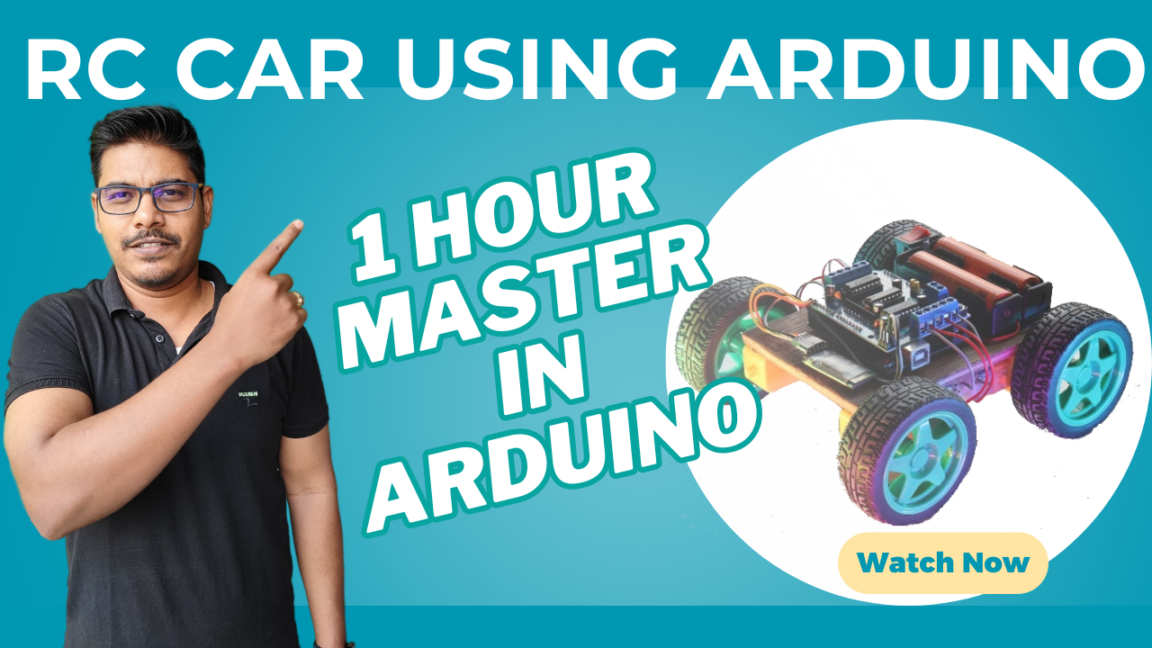
In this tutorial, we will build a Remote-Control Car that can be controlled via a mobile app using Arduino Uno R3 and HC-05 Bluetooth Module. The project is perfect for beginners who want to explore Arduino programming, motor control, and wireless communication.
Bill of Materials (BOM)
Here are the components needed:

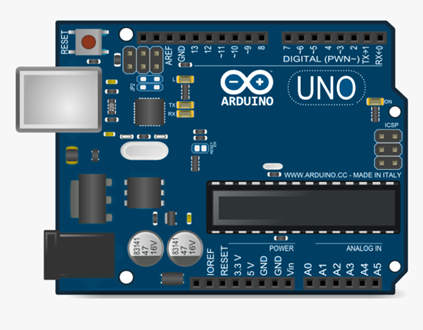
- Arduino Uno R3 – The brain of our car
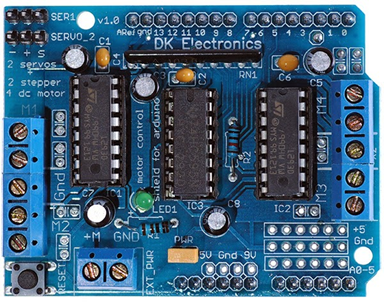
- Arduino Motor Shield – Controls the motors
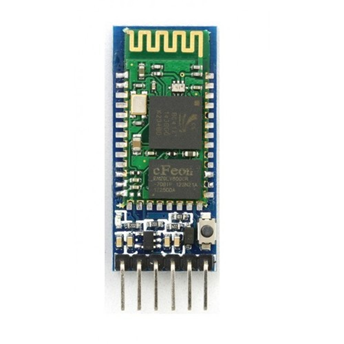
- HC-05 Bluetooth Module – Enables wireless control
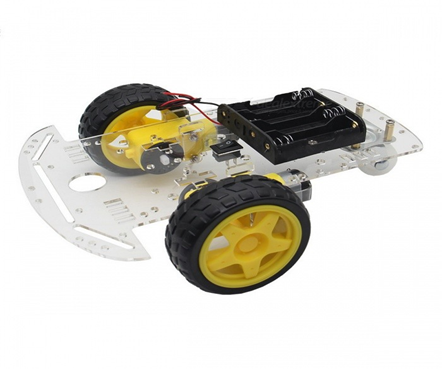
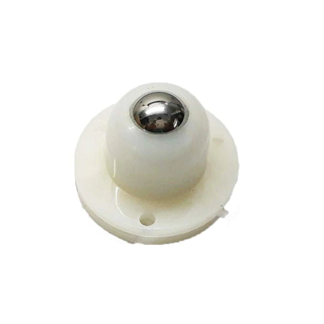
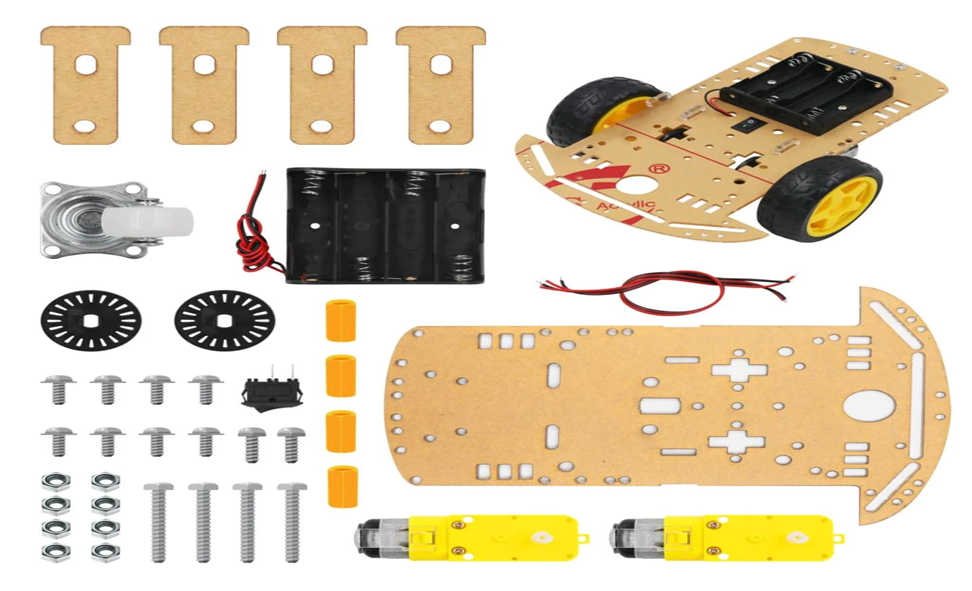
- Chassis – The body/frame for our car
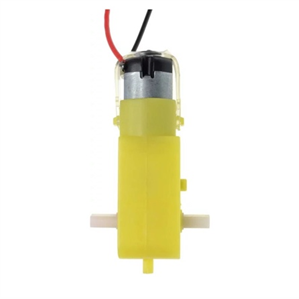
- DC Motors & Wheels – Movement control
- Jumper Wires – For connections
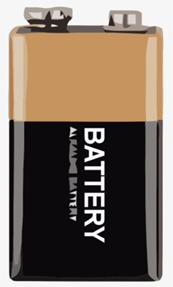
- Battery Pack (9V or 12V) – Power supply
Circuit Diagram & Assembly
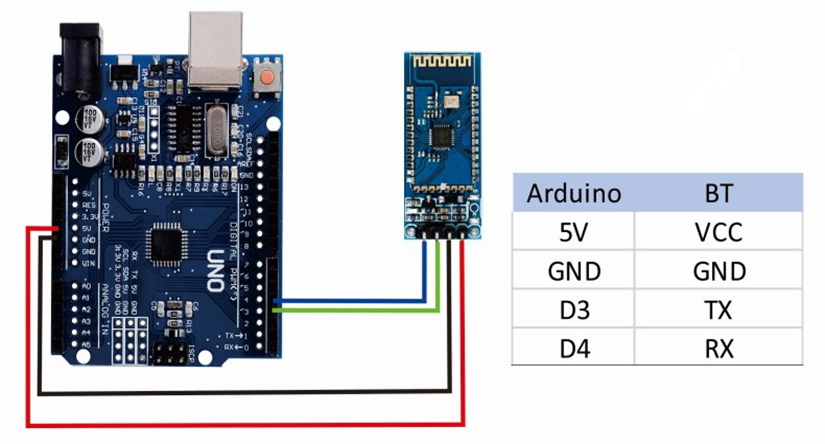
- Connect HC-05 Bluetooth Module to Arduino Uno as follows:
- VCC → 5V
- GND → GND
- TX → RX
- RX → TX
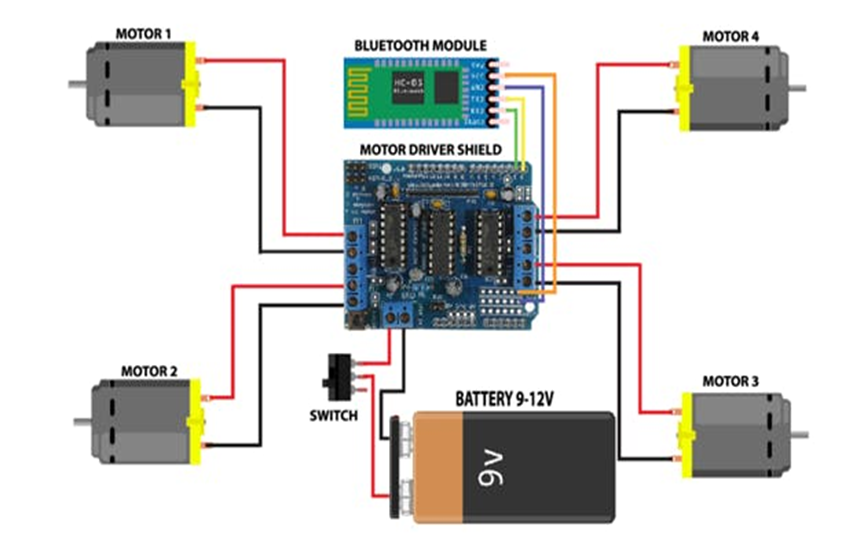
- Motor Shield Connections:
- Attach the motor shield to Arduino Uno.
- Connect the left and right motors to M1 and M2 terminals.
- Powering the Circuit:
- Use a 9V battery pack for Arduino and motors.
Controlling the Car with a Mobile App
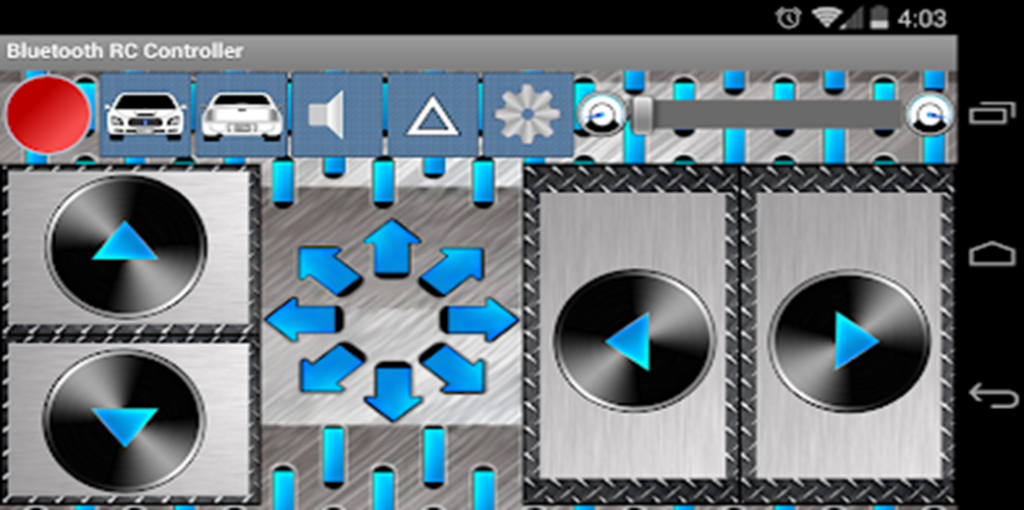
To control the car, use the Bluetooth RC Controller mobile app:
- Download the app from Google Play Store: Bluetooth RC Controller
- Pair your mobile with the HC-05 Bluetooth module.
- Assign buttons for Forward (F), Backward (B), Left (L), Right (R), and Stop (S).
Final Testing
- Power on the car.
- Connect to HC-05 via Bluetooth.
- Use the app to control the movement.
Conclusion
This project is a great introduction to Arduino-based robotics and wireless control systems. You can enhance this by adding ultrasonic sensors, LEDs, or even voice control.
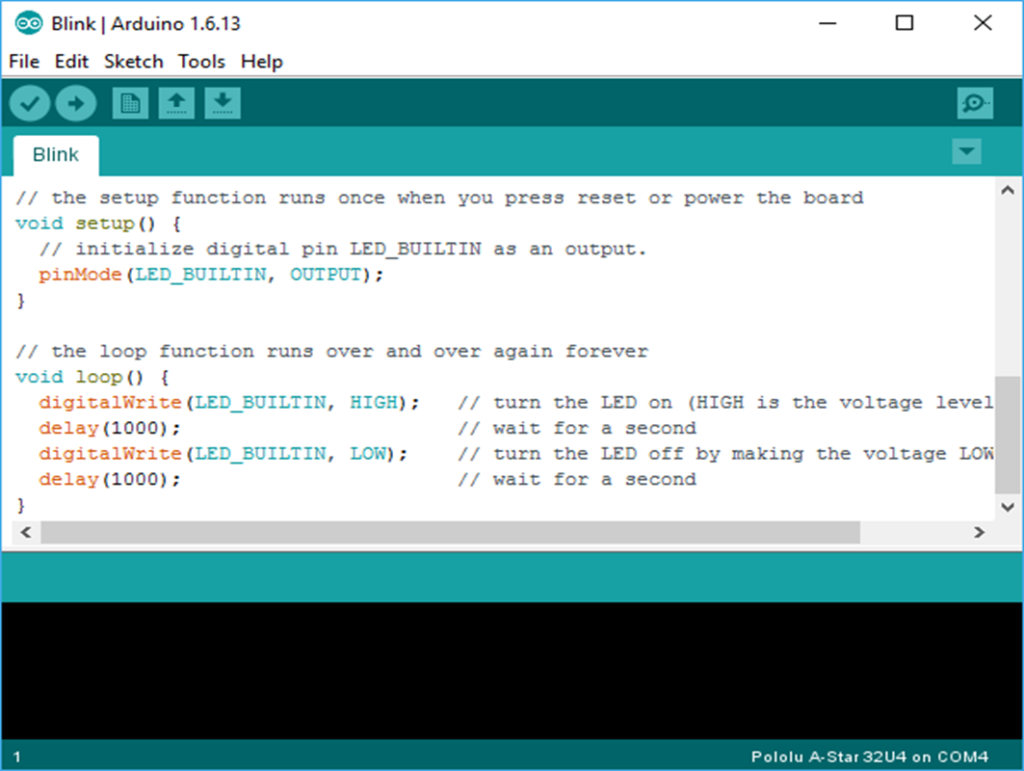
#include <AFMotor.h>
AF_DCMotor motor1(1);
AF_DCMotor motor2(2);
char bt = ‘S’;
void setup() {
Serial.begin(38400);
motor1.setSpeed(255);
motor2.setSpeed(255);
Stop();
}
void loop() {
bt = Serial.read();
if(bt == ‘F’) forward();
if(bt == ‘B’) backward();
if(bt == ‘L’) left();
if(bt == ‘R’) right();
if(bt == ‘S’) Stop();
}
void forward() { motor1.run(FORWARD); motor2.run(FORWARD); }
void backward() { motor1.run(BACKWARD); motor2.run(BACKWARD); }
void left() { motor1.run(FORWARD); motor2.run(BACKWARD); }
void right() { motor1.run(BACKWARD); motor2.run(FORWARD); }
void Stop() { motor1.run(RELEASE); motor2.run(RELEASE); }
Website Links and Playstore link Arduino Download Link : https://www.arduino.cc/en/software
Google Play Store
https://play.google.com/store/apps/details? id=braulio.calle.bluetoothRCcontroller&hl=en_IN&gl=US
CHASSIS
https://www.amazon.in/ApTechDeals-Wheel-Chassis-Encoder- Arduino/dp/B07T5KN36M/ref=sr_1_2? crid=4BRXQ3P88G0J&dchild=1&keywords=chassis+for+arduino+car&qid= 1626623196&sprefix=chassis+%2Caps%2C307&sr=8-2
ARDUINO MOTOR SHIELD
https://www.amazon.in/Ai-STORE-L293D-Shield-Arduino- Mega2560/dp/B07Y6H9S8J/ref=sr_1_47? dchild=1&keywords=arduino+uno&qid=1626623425&sr=8-47
ARDUINO UNO
https://www.amazon.in/Development-Board-ATmega328P-ATmega16U2- Arduino/dp/B00H1HR576/ref=pd_sbs_3/262-7095609-4708503? pd_rd_w=U17iT&pf_rd_p=18688541-e961-44b9-b86a- bd9b8fa83027&pf_rd_r=T2M98SGYFQ9D7EC686S3&pd_rd_r=cccd1c29- 01fb-477b-bb63- bee05d758662&pd_rd_wg=M01L3&pd_rd_i=B00H1HR576&psc=1
HC05 BLUETOOTH
https://www.amazon.in/ePro-Labs-WLC-0002-Bluetooth- Module/dp/B01AJVQQY8/ref=sr_1_3? crid=3QP59C98YDKHJ&dchild=1&keywords=hc05+bluetooth+module&qid=16 26624141&sprefix=HC05+%2Caps%2C436&sr=8-3
BATTERY https://www.amazon.in/Envie-9V-Rechargeable-Chargable-
Batteries/dp/B00NQBWLCA/ref=sr_1_1_sspaK
JACK
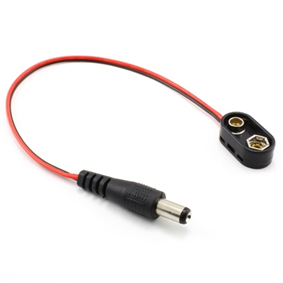
https://www.amazon.in/EPICTAC-Battery-snapper-2-1×5-5mm-Center- Positive/dp/B08JSQWJCG/ref=sr_1_3
BITBUCKET LINK AFMOTOR.H https://github.com/adafruit/Adafruit-Motor-Shield-library


Hi testing the reply system