RC Car
in

ARDUINO BASED BLUETOOTH CONTROL CAR

DIY Remote-Control Car Using Arduino Uno and Bluetooth

Introduction

In this tutorial, we will build a Remote-Control Car that can be controlled via a mobile app using Arduino Uno R3 and HC-05 Bluetooth Module. The project is perfect for beginners who want to explore Arduino programming, motor control, and wireless communication.

Bill of Materials (BOM)

Here are the components needed:

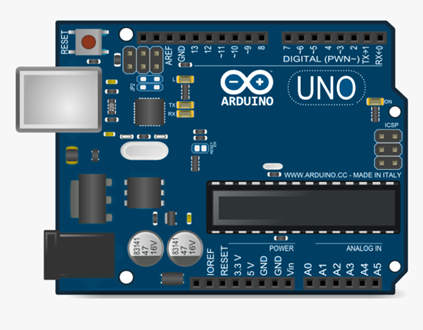
  • Arduino Uno R3 – The brain of our car
  • Arduino Motor Shield – Controls the motors
  • HC-05 Bluetooth Module – Enables wireless control
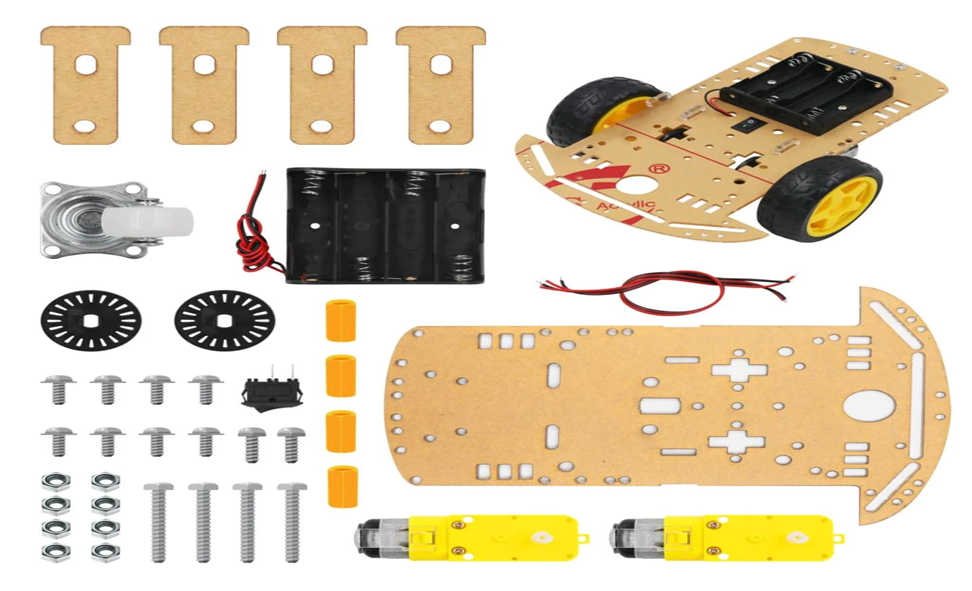
  • Chassis – The body/frame for our car
  • DC Motors & Wheels – Movement control
  • Jumper Wires – For connections
  • Battery Pack (9V or 12V) – Power supply

Circuit Diagram & Assembly

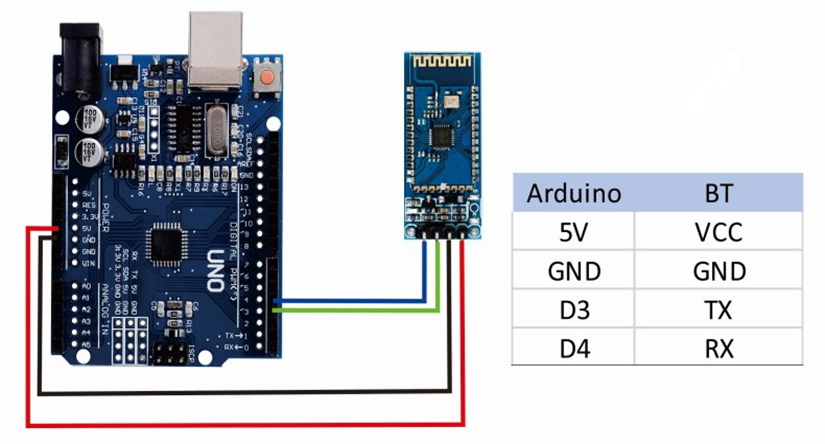
  1. Connect HC-05 Bluetooth Module to Arduino Uno as follows:
    • VCC → 5V
    • GND → GND
    • TX → RX
    • RX → TX
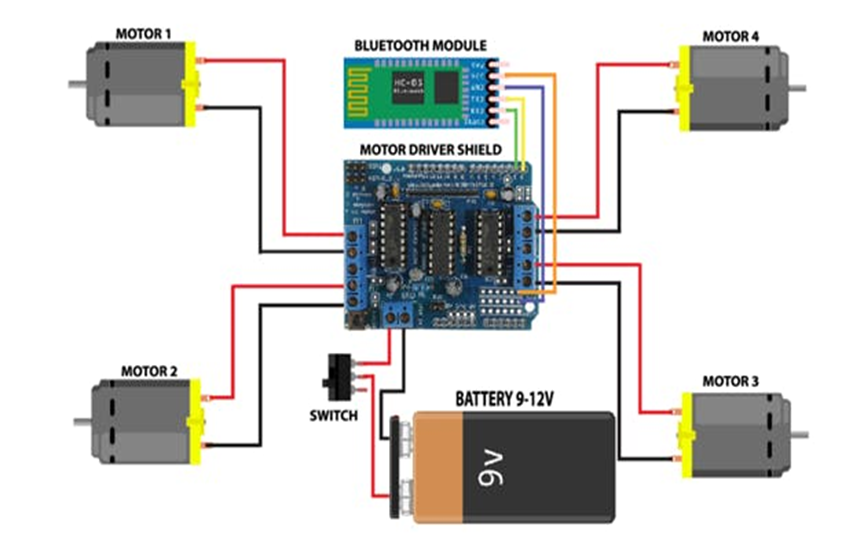
  2. Motor Shield Connections:
    • Attach the motor shield to Arduino Uno.
    • Connect the left and right motors to M1 and M2 terminals.
  3. Powering the Circuit:
    • Use a 9V battery pack for Arduino and motors.

Controlling the Car with a Mobile App

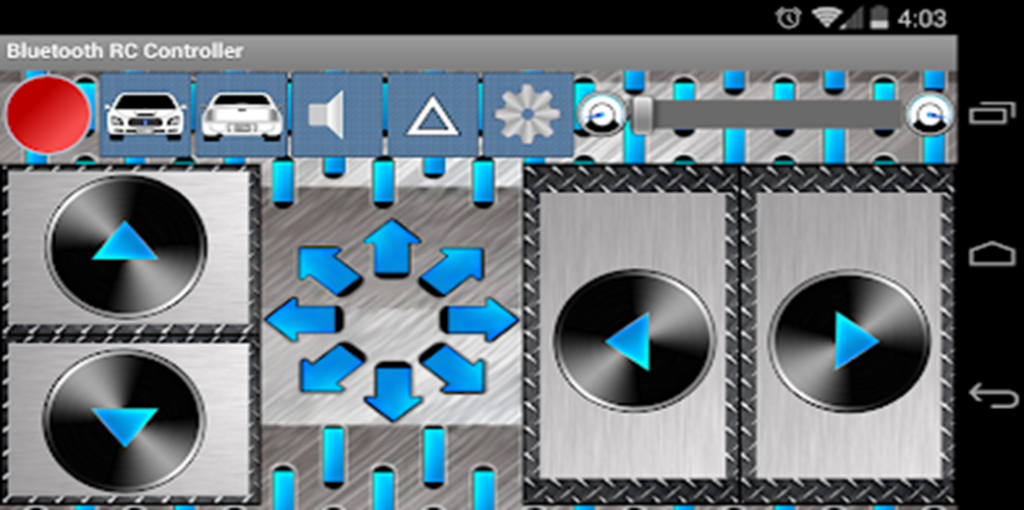
To control the car, use the Bluetooth RC Controller mobile app:

  • Download the app from Google Play Store: Bluetooth RC Controller
  • Pair your mobile with the HC-05 Bluetooth module.
  • Assign buttons for Forward (F), Backward (B), Left (L), Right (R), and Stop (S).

Final Testing

  1. Power on the car.
  2. Connect to HC-05 via Bluetooth.
  3. Use the app to control the movement.

Conclusion

This project is a great introduction to Arduino-based robotics and wireless control systems. You can enhance this by adding ultrasonic sensors, LEDs, or even voice control.
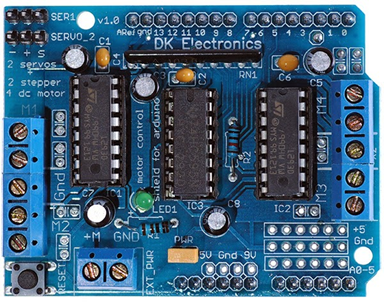
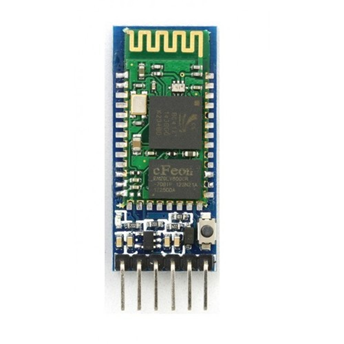
arduino
motor shield
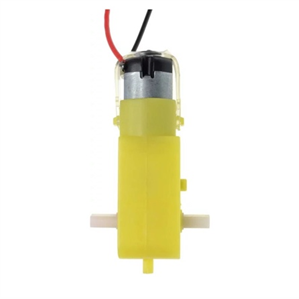
BO Motor
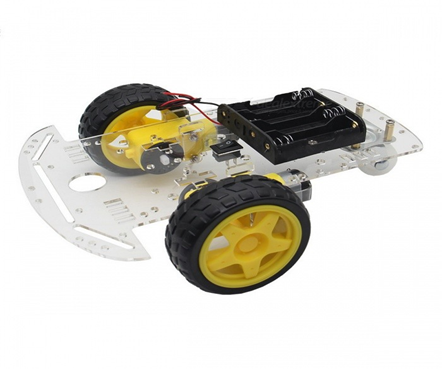
chasis
Battery
Jumper Wire
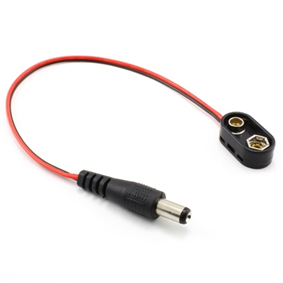
Batter Connector
wire
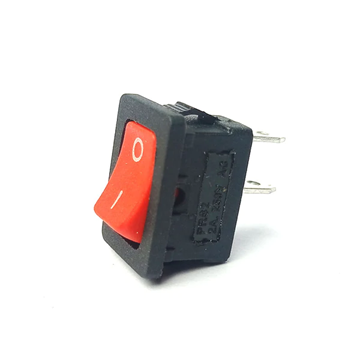
switch
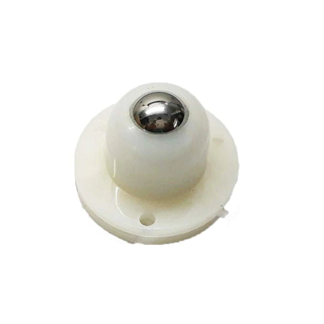
castor wheel
Chasis Components
arduino bluetooth circuit connection
Full Circuit Daigram
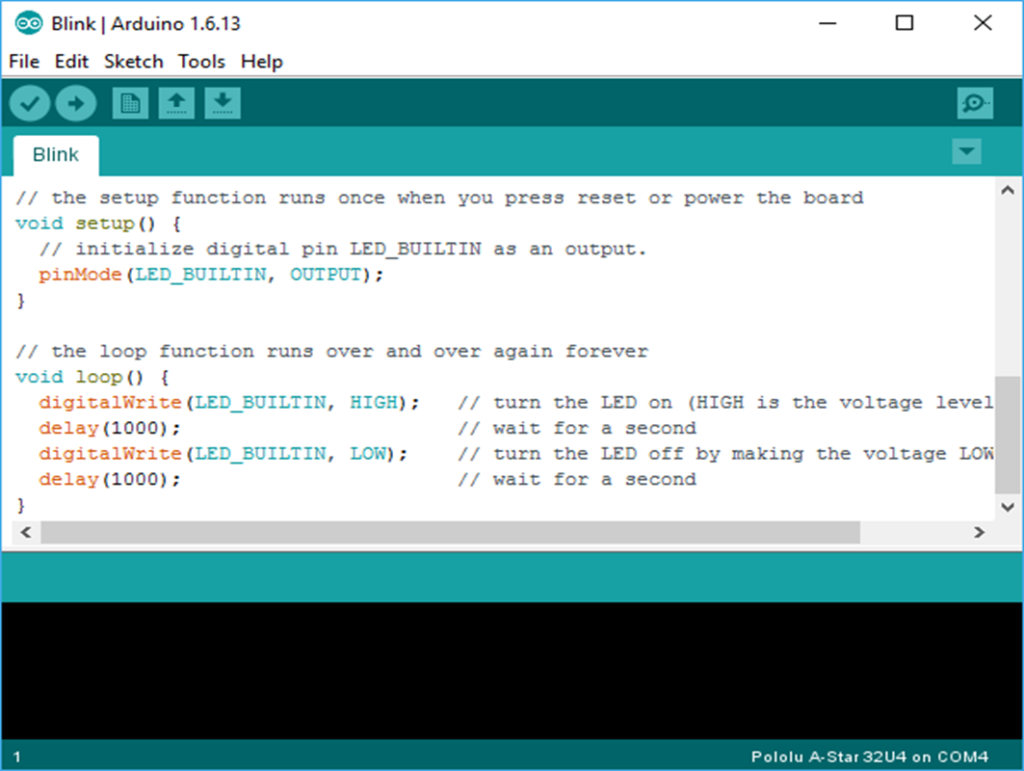
Arduino IDE
Mobile App

#include <AFMotor.h>
AF_DCMotor motor1(1);
AF_DCMotor motor2(2);

char bt = ‘S’;

void setup() {
Serial.begin(38400);
motor1.setSpeed(255);
motor2.setSpeed(255);
Stop();
}

void loop() {
bt = Serial.read();
if(bt == ‘F’) forward();
if(bt == ‘B’) backward();
if(bt == ‘L’) left();
if(bt == ‘R’) right();
if(bt == ‘S’) Stop();
}

void forward() { motor1.run(FORWARD); motor2.run(FORWARD); }
void backward() { motor1.run(BACKWARD); motor2.run(BACKWARD); }
void left() { motor1.run(FORWARD); motor2.run(BACKWARD); }
void right() { motor1.run(BACKWARD); motor2.run(FORWARD); }
void Stop() { motor1.run(RELEASE); motor2.run(RELEASE); }

Website Links and Playstore link Arduino Download Link : https://www.arduino.cc/en/software

Google Play Store

https://play.google.com/store/apps/details? id=braulio.calle.bluetoothRCcontroller&hl=en_IN&gl=US

CHASSIS

https://www.amazon.in/ApTechDeals-Wheel-Chassis-Encoder- Arduino/dp/B07T5KN36M/ref=sr_1_2? crid=4BRXQ3P88G0J&dchild=1&keywords=chassis+for+arduino+car&qid= 1626623196&sprefix=chassis+%2Caps%2C307&sr=8-2

ARDUINO MOTOR SHIELD

https://www.amazon.in/Ai-STORE-L293D-Shield-Arduino- Mega2560/dp/B07Y6H9S8J/ref=sr_1_47? dchild=1&keywords=arduino+uno&qid=1626623425&sr=8-47

ARDUINO UNO

https://www.amazon.in/Development-Board-ATmega328P-ATmega16U2- Arduino/dp/B00H1HR576/ref=pd_sbs_3/262-7095609-4708503? pd_rd_w=U17iT&pf_rd_p=18688541-e961-44b9-b86a- bd9b8fa83027&pf_rd_r=T2M98SGYFQ9D7EC686S3&pd_rd_r=cccd1c29- 01fb-477b-bb63- bee05d758662&pd_rd_wg=M01L3&pd_rd_i=B00H1HR576&psc=1

HC05 BLUETOOTH

https://www.amazon.in/ePro-Labs-WLC-0002-Bluetooth- Module/dp/B01AJVQQY8/ref=sr_1_3? crid=3QP59C98YDKHJ&dchild=1&keywords=hc05+bluetooth+module&qid=16 26624141&sprefix=HC05+%2Caps%2C436&sr=8-3

BATTERY https://www.amazon.in/Envie-9V-Rechargeable-Chargable-

Batteries/dp/B00NQBWLCA/ref=sr_1_1_sspaK

JACK

https://www.amazon.in/EPICTAC-Battery-snapper-2-1×5-5mm-Center- Positive/dp/B08JSQWJCG/ref=sr_1_3

BITBUCKET LINK AFMOTOR.H https://github.com/adafruit/Adafruit-Motor-Shield-library

What do you think?

Leave a Reply

Your email address will not be published. Required fields are marked *

GIPHY App Key not set. Please check settings

One Comment

DEEPSEEK AI

DeepSeek-V3: An Overview of Architectural Design and Functionality

deepseek vs chatgpt

Difference Between Chat GPT and DeepSeek